5 Workflows Every VA Should Automate in 2026
From inbox triage to lead qualification — the repeatable tasks where AI-assisted VAs can save the most hours each week.
The goal isn't to automate the VA out of the workflow. It's to automate the busywork around the workflow.
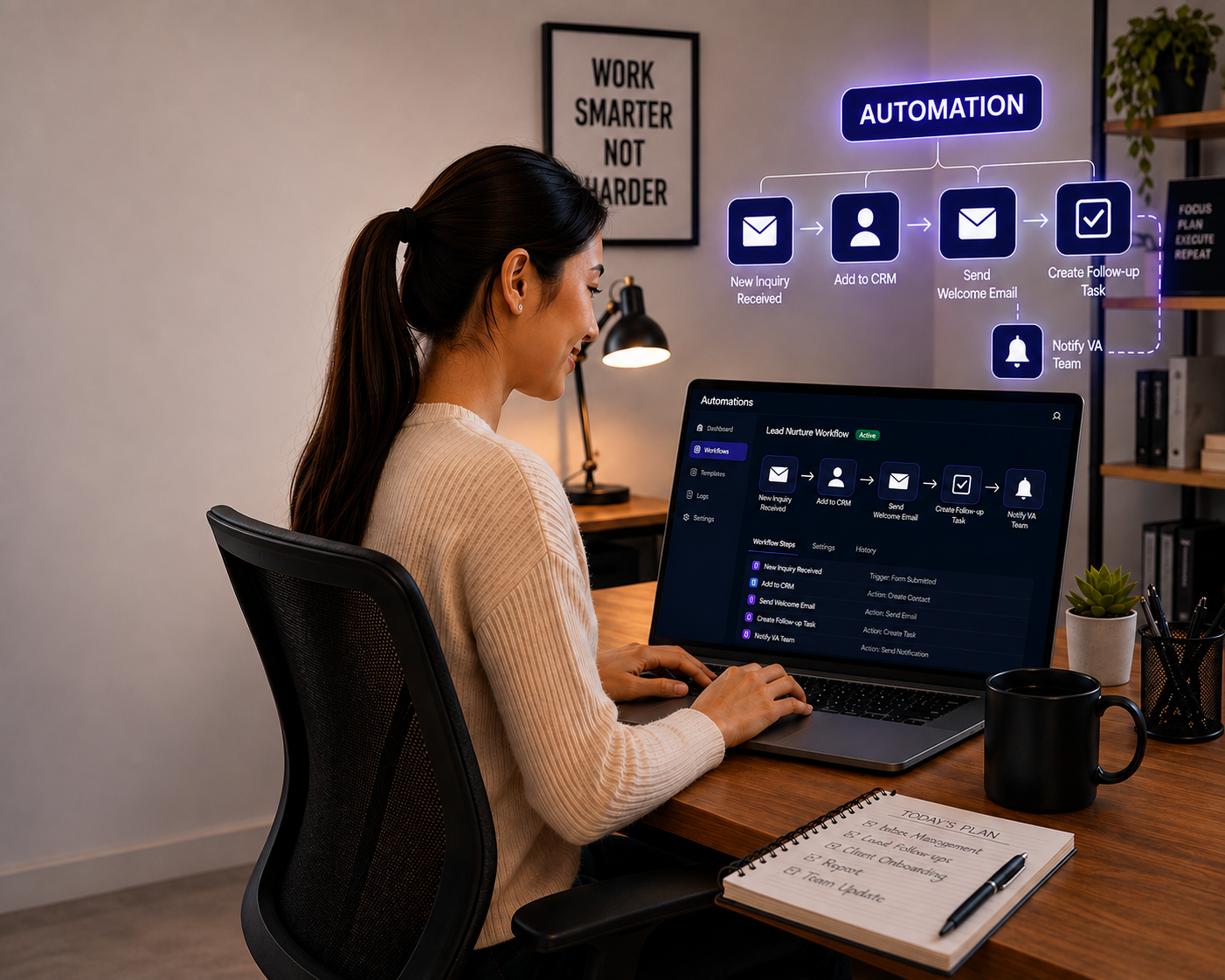
inbox
autopilot
response
judgment
Virtual assistants are no longer limited to simply completing tasks manually.
With the right AI tools and automation workflows, a VA can spend less time on repetitive work and more time on the activities that actually require judgment, communication, organization, and human attention.
The goal isn't to automate the VA out of the workflow.
It's to automate the busywork around the workflow.
Here are five areas where AI-assisted automation can make a major difference.
Inbox Triage and Email Management
An inbox can easily become one of the biggest time drains for a VA. Sorting messages, identifying urgent requests, responding to routine enquiries, forwarding emails, and following up can consume hours every week.
Instead of manually reading every email from top to bottom, the VA can start with a prioritized inbox.
The human still makes the decision. AI can identify patterns and prepare the information. The VA determines what actually needs to happen.
That's the difference between automation and blindly handing your inbox to AI.
AI can help with
Appointment Scheduling & Follow-Ups
Scheduling sounds simple. Until you're managing multiple calendars, time zones, rescheduling requests, cancellations, reminders, and follow-ups. A large portion of this process can be automated. A simple workflow could look like:
New enquiry → Appointment link → Confirmation → Reminder → Appointment → Follow-up
AI-assisted tools can help identify the appropriate next step, while automation handles routine notifications and updates. The VA can then focus on the exceptions:
A client requests a special time. An appointment needs to be rescheduled. Someone hasn't responded. A high-priority client needs personal attention.
Instead of spending the day moving appointments around, the VA becomes the person overseeing the scheduling system.
Lead Qualification
Not every lead deserves the same level of attention. When enquiries come in, a VA can spend significant time gathering information, reviewing responses, checking requirements, and deciding which leads should be prioritized. AI can help make the first pass. For example, an automated workflow can:
Capture the enquiry → Extract key information → Categorize the lead → Identify missing information → Assign a priority → Notify the VA
The VA can then review the results and take the appropriate action. This creates a much more efficient process than manually processing every enquiry from scratch. The important principle:
Automate the sorting. Keep the judgment.
Data Entry, Updates & Reporting
Data entry is necessary. But it doesn't always require a human to perform every individual step. A VA may spend hours moving information between spreadsheets, CRMs, forms, reports, and other business systems.
This doesn't mean eliminating quality control. Quite the opposite. The VA's role becomes more valuable because they can focus on checking the information, resolving exceptions, and making sure the system stays accurate.
AI-assisted workflows can help
Client & Customer Follow-Up
Follow-up is one of those tasks that is easy to postpone when the workload gets busy. And that's exactly why automation can be useful. A simple workflow can remind a VA when:
A lead hasn't responded. A client hasn't completed a requested action. A document is still outstanding. An appointment is approaching. A customer needs a follow-up. A recurring task is due.
AI can also help draft personalized follow-up messages based on the conversation history. The VA then reviews the message, adds the human touch, and sends it.
The result? Fewer things falling through the cracks.
The Bigger Opportunity: Automate the Process, Not the Relationship
There's a common misconception about AI in virtual assistance: "If AI can do the task, why do I need a VA?" That's the wrong question. The better question is: "How can AI help my VA do the job better?"
AI is excellent at repetitive processing. But businesses still need people who can understand context, communicate with clients, make judgment calls, handle exceptions, protect sensitive information, check accuracy, solve problems, and understand business priorities.
That's where an AI-assisted VA becomes powerful.
A Simple Rule for Deciding What to Automate
Before automating a workflow, ask five questions:
- Is the task repetitive? If you're doing the same thing repeatedly, it's a good candidate.
- Does it follow a predictable process? If there is a clear sequence of steps, automation becomes easier.
- Can success be clearly defined? You need to know what the finished result should look like.
- What happens when something goes wrong? Every good automation needs an escalation path.
- Does the task still need human judgment? If it does, automate the preparation — not the final decision.
What Should You NOT Automate?
Automation isn't about putting every business process on autopilot. Some tasks require human involvement from beginning to end. These can include:
Keep fully human
- Sensitive client conversations
- Complex complaints
- Important financial decisions
- Confidential situations
- Strategic decisions
- Unusual client requests
- Situations requiring empathy or discretion
The principle
The goal isn't maximum automation. It's useful automation.
The Best VA + AI Workflow
The most effective model is often surprisingly simple:
Handles the repetitive work.
Moves information where it needs to go.
Reviews, decides, communicates, and manages exceptions.
Stays focused on higher-value priorities.
That's how technology becomes a productivity tool rather than another system that someone has to manage.
The Future of Virtual Assistance Isn't Less Human
It's more strategic.
The VA who spends eight hours manually sorting emails, copying information, and sending routine reminders has limited capacity. The VA who uses AI and automation to reduce that workload can spend more time on client communication, problem-solving, coordination, quality control, process improvement, and business support.
That's a much more valuable role.
Start With One Workflow
You don't need to automate your entire business overnight. Pick the task your VA repeats most often. Document the process. Identify the repetitive steps. Automate what can be automated. Keep human oversight where judgment matters. Then measure the result.
One optimized workflow can become the blueprint for the next five. And that's when AI-assisted virtual support starts becoming more than an efficiency tool — it becomes part of how your business scales.
Work Smarter. Keep the Human Touch.
At VASSISTLY, the goal isn't to replace reliable human support with technology. It's to combine AI-assisted workflows with human-delivered reliability so businesses can reduce repetitive administrative work while keeping people involved where judgment, communication, and accountability matter.
Ready to identify the workflows your business could automate?
Find your first workflow →