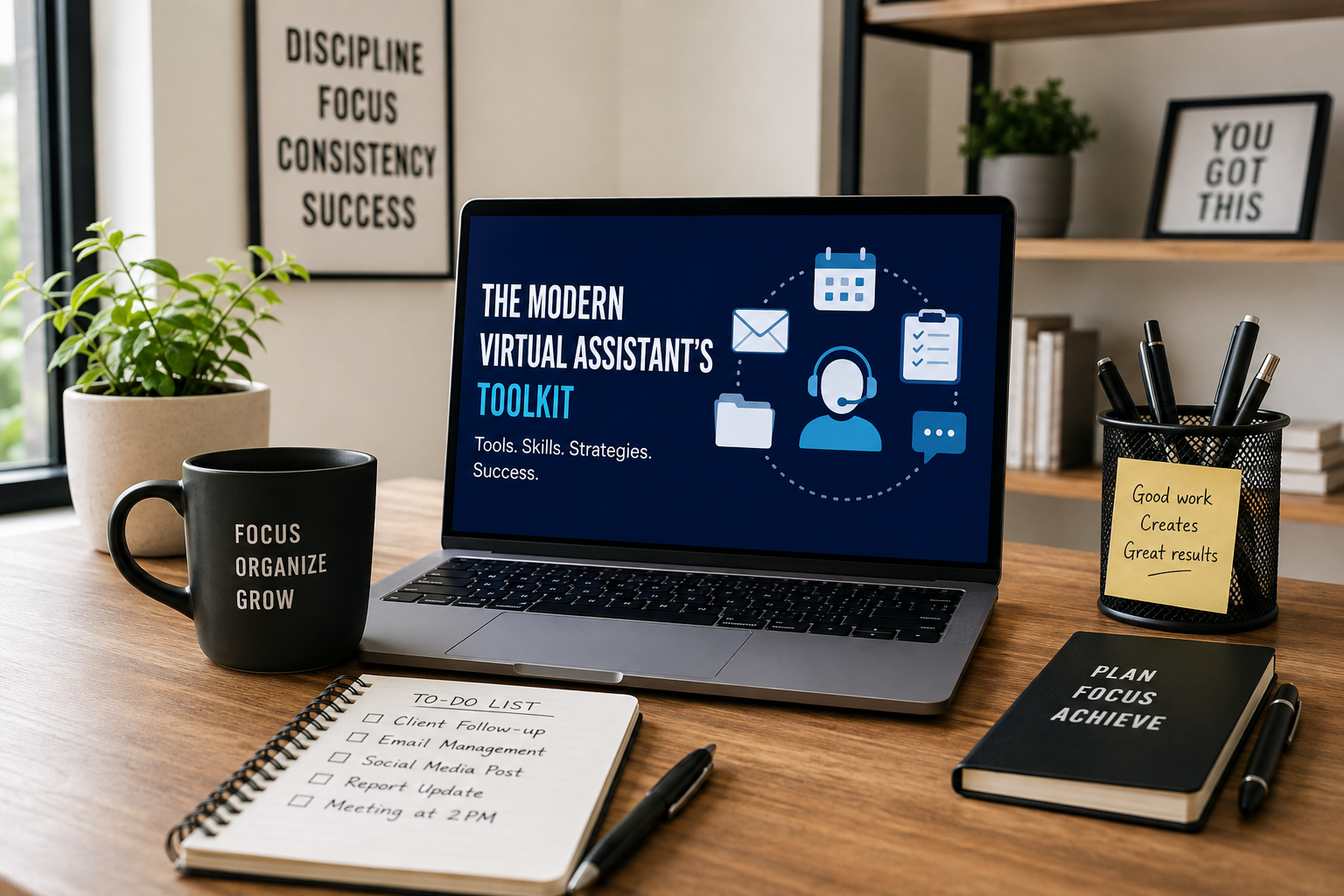
The Modern Virtual Assistant's Toolkit
Tools, skills, and strategies for success.
Having access to dozens of apps isn't enough. A successful VA knows which tools to use, how to use them efficiently, and how to combine technology with strong communication, organization, and problem-solving skills.
workflows
communication
productivity
your data
The role of a virtual assistant has changed dramatically. Today, VAs are no longer limited to basic administrative tasks. They can support customer service, manage projects, organize business operations, handle social media, conduct research, maintain CRMs, and even help businesses automate repetitive processes.
But having access to dozens of apps isn't enough.
A successful VA knows which tools to use, how to use them efficiently, and how to combine technology with strong communication, organization, and problem-solving skills.
Whether you're starting your VA career or looking to become a more valuable support professional, here's a practical guide to the tools and skills that can help you work smarter and deliver better results.
Project & Task Management
Know what needs to happen next. Managing multiple assignments can quickly become overwhelming without a reliable system. Project management platforms help VAs organize responsibilities, track deadlines, monitor progress, and collaborate with clients or team members.
The important thing isn't mastering every platform. It's learning how to create a system that answers three questions:
What needs to be done? When does it need to be completed? What should I prioritize first?
An organized VA should be able to look at their task list and immediately understand what requires attention.
Popular Options
Communication & Collaboration
Make remote work feel seamless. When you work remotely, communication becomes one of your most important professional skills. Clients need to know what's happening without having to constantly check in with you.
Tools such as Slack, Microsoft Teams, Zoom, Google Meet, and Google Workspace make communication and collaboration easier across different locations and time zones.
But great communication isn't just about knowing how to use messaging and video-call platforms. A client should never have to wonder:
"What's happening with this task?"
Clear communication creates trust and makes remote collaboration much easier.
A Strong VA Knows How To
Email, Calendar & Scheduling
Protect valuable time. Email and scheduling may look simple, but they can consume a significant portion of a business owner's day. Virtual assistants can take over many of these responsibilities using tools such as Gmail, Outlook, Google Calendar, Calendly, and Acuity Scheduling.
But effective calendar management goes beyond simply putting appointments on a schedule. A great VA understands the client's priorities and helps protect their time.
For example, instead of booking meetings back-to-back all day, a VA can identify opportunities for breaks, preparation time, and focused work.
Good scheduling creates breathing room.
A VA Can Help With
CRM & Customer Management
Keep every opportunity organized. Customer information can easily become scattered across emails, spreadsheets, notes, and messaging platforms. That's where a Customer Relationship Management (CRM) system becomes valuable.
Depending on the business, VAs may work with platforms such as HubSpot, Salesforce, Zoho, Pipedrive, and GoHighLevel.
A well-maintained CRM gives business owners a clearer picture of their customers and sales pipeline. More importantly, it helps prevent opportunities from being forgotten.
A lead that isn't followed up is often a missed opportunity.
CRM Responsibilities
Content & Social Media
Help businesses stay consistent. Businesses need to remain visible, but creating and managing content can take hours. Tools such as Canva, Meta Business Suite, Buffer, Hootsuite, and Later can help with content creation, scheduling, publishing, and social media management.
However, social media isn't simply about posting frequently. Effective content should have a purpose. Before creating a post, ask:
Who are we trying to reach? What problem are we addressing? Why should they care? What action do we want them to take?
Understanding the audience and business objectives is what separates strategic social media support from simply filling a content calendar.
A VA May Assist With
AI & Automation: Multiply Your Productivity
Artificial intelligence and automation are changing the way virtual assistants work. Instead of spending hours on repetitive tasks, VAs can use technology to speed up research, content development, organization, and workflow management.
ChatGPT
Brainstorming, drafting, research assistance, summaries, and workflow support.
Claude
Analyzing lengthy information, structured content, and complex documents.
Microsoft Copilot
AI assistance across Microsoft's productivity ecosystem.
Zapier & Make
Connect applications to automate simple and advanced workflows.
For example:
New lead → CRM entry → Follow-up task → Email notification → Team assignment
Instead of manually completing every step, automation can handle predictable parts of the workflow. AI can also help VAs draft emails, summarize meetings, generate content ideas, analyze information, organize research, improve written communication, create process documentation, and brainstorm solutions.
However, technology should support human judgment — not replace it. The best VAs don't simply use AI. They know when and how to use it effectively.
File Management & Document Sharing
Keep everything within reach. A remote team needs a reliable way to store, organize, and share information. Cloud-based platforms such as Google Drive, OneDrive, Dropbox, SharePoint, and WeTransfer make it easier to collaborate and exchange files from virtually anywhere.
WeTransfer is particularly useful when sending large files or groups of files that may exceed standard email attachment limits.
A messy digital workspace can waste just as much time as a messy physical office. If it takes five minutes to find a document every time someone needs it, those minutes quickly add up.
A Clean Filing System Means
Data, Research & Reporting
Turn information into action. Businesses generate data constantly, but raw information isn't always useful until it's organized and interpreted. Virtual assistants can help transform scattered information into reports that are easier for business owners and managers to understand.
Useful tools include Google Sheets, Microsoft Excel, Looker Studio, and various reporting dashboards.
You don't need to become a data scientist to provide valuable reporting support. But you should be comfortable working with spreadsheets, organizing information, checking accuracy, and presenting data clearly.
Good research doesn't just collect information — it helps people make better decisions.
VAs May Use These To
The Skills That Make a VA Truly Valuable
Having the right software is important, but tools alone don't create an exceptional virtual assistant. Your professional habits and mindset often make the biggest difference.
Organization & Prioritization
A VA may receive ten tasks in one day, but not all ten have the same importance. You need to understand the difference between:
Handle first
- Urgent
- Time-sensitive
- High-impact
Can wait
- Important but not urgent
- Routine
- Low-impact
Prioritization prevents you from spending valuable time on tasks that can wait while something more important is being overlooked.
Proactive Thinking
One of the qualities clients appreciate most is initiative. A task-focused VA waits for instructions. A proactive VA thinks ahead.
For example: instead of waiting for a client to say, "Please remind me about this deadline," a proactive VA notices the deadline approaching and sends a reminder.
That small action can make a big difference in how a client experiences your support.
Clear & Professional Communication
Your client shouldn't have to decode your messages. Good communication should be clear, concise, professional, and timely.
If something goes wrong, communicate it. If you're waiting for information, say so. If you've completed an important task, provide an update.
Silence can create uncertainty. Good communication creates confidence.
Adaptability
Every client operates differently. One may use Google Workspace. Another may use Microsoft 365. One client may prefer Slack. Another may rely on Teams. One company may have detailed processes. Another may need you to help build those processes.
The ability to learn new software and adapt to different working styles is therefore extremely valuable.
You don't need to know every tool before starting. You need to be willing and able to learn.
Problem-Solving & Critical Thinking
Clients don't always need someone who simply follows instructions. They need someone who can recognize a problem and think through possible solutions.
Instead of saying
"This isn't working."
Try
"I noticed this issue. I checked the process and found the problem. Here are two possible ways we could fix it."
That shift demonstrates initiative and builds trust.
Attention to Detail
Small mistakes can create surprisingly large problems. A wrong appointment time, incorrect customer detail, missed follow-up, or spreadsheet error can affect an entire workflow.
Before completing a task, develop the habit of reviewing your work. Ask yourself:
Is it complete?
Is it accurate?
Is it organized?
Would the client need to correct anything?
Speed matters, but accuracy matters too.
Confidentiality & Digital Security
Virtual assistants often have access to sensitive business information, customer records, financial documents, passwords, and internal communications. That means digital security should be part of every VA's professional skill set.
Being trustworthy isn't just about completing tasks. It's also about protecting the information your client has trusted you with.
Good Practices
The Next Step: Become More Than a Task-Taker
The virtual assistants who stand out aren't necessarily the ones who know the most software. They're the ones who understand how the business works.
They don't just ask "What should I do?" They learn to ask "What is the goal?"
They don't just complete tasks. They look for ways to make the process better. They don't wait for every instruction. They anticipate what might be needed next.
That mindset can transform a VA from someone who simply completes assignments into a trusted business support partner.
Your Tools Are Only the Beginning
Technology will continue to change. New AI platforms, automation systems, and business applications will appear every year. You don't need to master every new tool. Instead, focus on developing the fundamentals:
- Learn quickly.
- Communicate clearly.
- Stay organized.
- Think proactively.
- Solve problems.
- Protect client information.
- Deliver consistently.
Combine those skills with the right technology, and you become more than a virtual assistant. You become someone a business can depend on. And that's where real value begins.
Build a Toolkit That Works
The right tools paired with the right habits turn a virtual assistant into a genuine business support partner — someone who anticipates needs, protects your time, and improves the process along the way.
VAssistly pairs dedicated virtual assistants with modern tools, documented workflows, and clear standards so businesses can delegate with confidence.
Work with a modern VA →